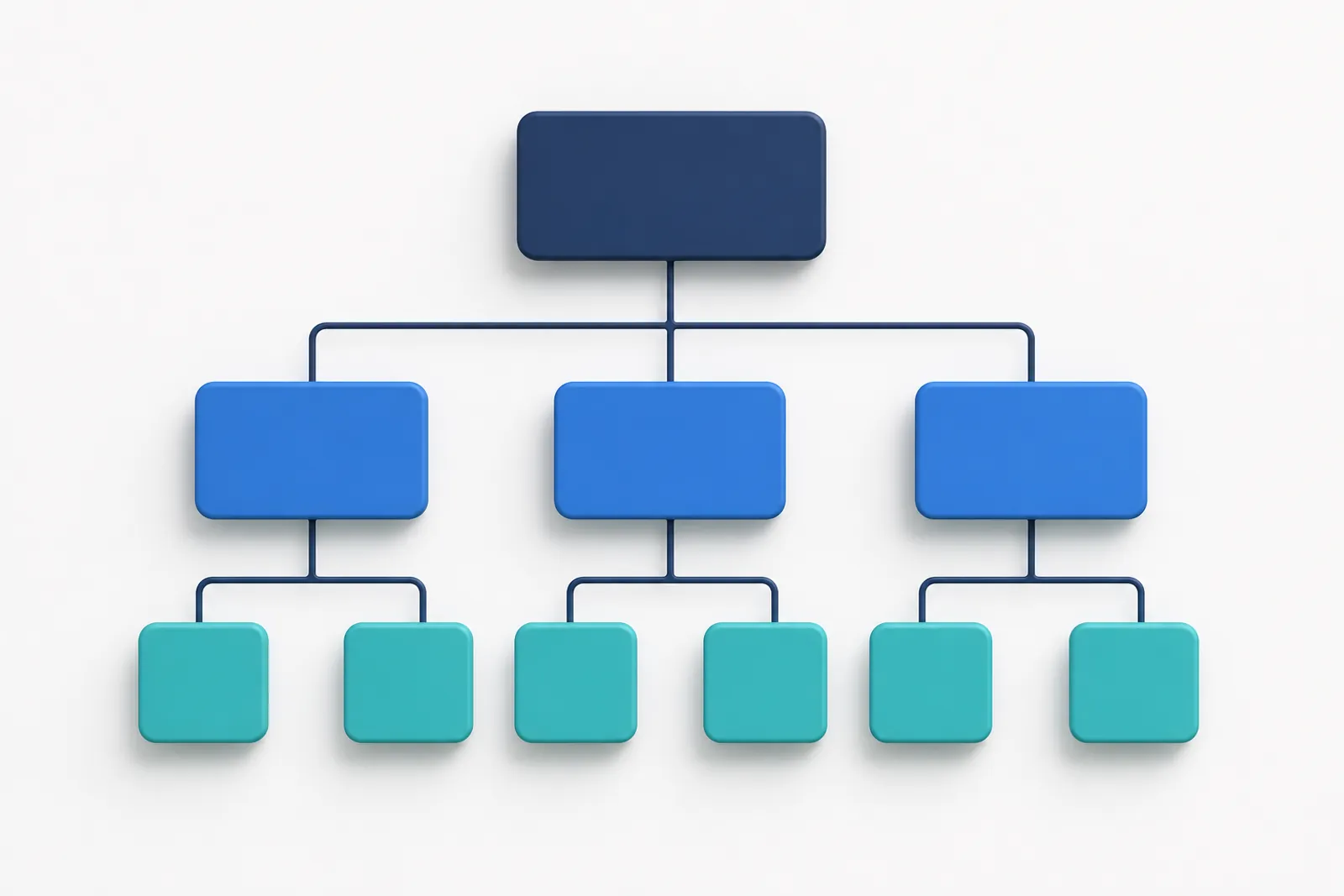
Multi-entity accounting software keeps a separate, legally correct set of books for each company you run, and lets you move between them without logging out, exporting files or paying for a second subscription. If you own a trading company and a retail shop, run a holding with three subsidiaries, or keep the books for twenty small clients, this is the setup you want.
This guide explains what multi-entity accounting really means, when you need it, how to structure entities, and how to set it up in Ledgeriano step by step.
What is multi-entity accounting software?
Multi-entity accounting software is a system in which one account can own or access many independent ledgers, one per business, with no shared balances between them. Each entity has its own chart of accounts, journal, trial balance and financial statements. The only things shared are the login, the people and (optionally) the automation that connects entities.
A useful way to picture it: a filing cabinet with one drawer per company. You can open any drawer you have a key for, but a receipt filed in drawer A never shows up in the totals of drawer B.
Multi-entity vs multi-company vs multi-branch
People use these terms loosely, so here is how they differ in practice:
| Term | What it usually means | Separate trial balance? |
|---|---|---|
| Multi-entity | Several legal entities or sole proprietors, each with its own books | Yes, one per entity |
| Multi-company | Same idea, common in ERP marketing | Yes |
| Multi-branch | One legal entity with several locations | No, one ledger with branch dimension |
| Multi-department | One entity, costs split by department | No, one ledger with cost centers |
If the tax authority sees two taxpayers, you need two sets of books. That is the simplest test.
When do you need multi-entity accounting?
You need it as soon as two or more taxpayers, legal entities or clients must produce their own financial statements. Some typical cases:
- A wholesaler and a retailer owned by the same family, where the wholesaler sells to the retailer every week.
- A holding company with an operating subsidiary in Dubai (USD or AED books) and another in Tehran (IRR books on the Jalali calendar).
- An accounting firm that keeps the books for 15 small clients and needs one dashboard for all of them.
- A founder who runs a consulting sole proprietorship next to a startup company.
- A property investor who holds each building in its own special purpose company.
Signs you have outgrown a single ledger
- You add a "company" tag to every journal line and filter reports by it.
- Month end starts with copying transactions from one file into another.
- Receivables in one company never agree with payables in the sister company.
- You cannot give an outside accountant access to one company without exposing the others.
- Two companies use different currencies or fiscal years, and your tool supports only one.
Separate ledgers per entity vs one ledger with tags
Separate ledgers per entity are the correct approach for legal entities, because each entity must close its own year and file its own returns. Tags inside one ledger look simpler at first, but they break down quickly.
| Question | One ledger with tags | Separate ledgers per entity |
|---|---|---|
| Can each entity have its own base currency? | No | Yes |
| Can fiscal years differ (for example 1 Farvardin vs 1 January)? | No | Yes |
| Does each entity get a clean trial balance? | Only if every line is tagged correctly | Always |
| Can you lock or close one entity's year alone? | No | Yes |
| Can you give an accountant access to one entity only? | Rarely | Yes, per business roles |
| Risk of posting to the wrong entity | High (a missing tag) | Low (you pick the business first) |
Tip: Keep tags, cost centers and projects for what they are good at: analysis inside one entity, such as sales by region or costs by project. Use separate businesses for separate taxpayers.
What each entity keeps on its own
In Ledgeriano, every business is fully independent, which is what makes it real multi-entity accounting software rather than one ledger with filters. When you create a business you choose settings that apply only to it.
Base currency
Each entity reports in its own base currency. A UAE trading company can keep USD books while an Iranian subsidiary keeps IRR books. Entries can still be recorded in any active currency with a stored exchange rate, and reports are shown in the base currency. The multi-currency accounting guide covers rates and revaluation in detail.
Accounting standard and chart of accounts
You pick an accounting standard and a chart of accounts template per business. Templates are available for IFRS, US GAAP, European PCG-style charts, Iranian national accounting standards (with the classic group, control and subsidiary coding), GCC IFRS with VAT and Zakat, and a simple small-business chart. See supported standards for what each template includes, and the chart of accounts guide for how to adapt one.
Calendar and fiscal year
Each business uses either the Gregorian or the Solar Hijri (Jalali) calendar, and each has its own fiscal years. One company can run 1 January to 31 December while its sister company runs 1 Farvardin to 29 Esfand. Lock dates, year-end closing and reopening happen per business, so closing one entity never touches another.
Here is a realistic three-entity group:
| Business | Entity type | Base currency | Standard / template | Calendar | Fiscal year |
|---|---|---|---|---|---|
| Alpha Wholesale LLC | Legal entity | USD | IFRS | Gregorian | 1 Jan to 31 Dec |
| Beta Retail Store | Legal entity | USD | IFRS | Gregorian | 1 Jan to 31 Dec |
| Gamma Trading (Tehran) | Legal entity | IRR | Iranian national standards | Jalali | 1 Farvardin to 29 Esfand |
Roles and access across companies
Access in a multi-entity system should be granted per business, not per account. In Ledgeriano, a person is invited to a business by email and gets a role in that business only. The same person can be an Accountant in Alpha and an Auditor in Gamma.
| Default role | What it can do |
|---|---|
| Owner | Everything, including API keys, custom roles and deleting the business |
| Administrator | Members, settings and all accounting data |
| Accountant | Create, post and reverse entries; manage accounts, parties and fiscal years |
| Bookkeeper | Record and edit draft entries; cannot post or reverse |
| Auditor | Read-only access to books, reports and the audit trail |
| Viewer | View accounts, entries and reports |
The owner can also build custom roles from fine-grained permissions. Every change is written to an audit trail, and each user can protect the login with two-factor authentication.
A practical split for a small group
- The group CFO is Owner of every business.
- A junior bookkeeper records drafts in the two retail companies, and a senior accountant reviews and posts them.
- The external auditor gets the Auditor role only for the year under audit, and you remove it afterwards.
Who pays: owner billing with credits
Ledgeriano uses pay-as-you-go credits, and the cost of each action is charged to the owner of the business where the action happens. If your outside accountant records 200 entries in your company, the credits come from your balance, not from theirs. That makes billing predictable for groups and fair for accounting firms that work inside clients' books.
Administrators define the credit packages and the credit cost of each action (creating a business, recording an entry, an API call, a workflow run and so on). New accounts receive free credits to try the product. Current packages are on the pricing page.
Consolidation basics and intercompany eliminations
Consolidation combines the financial statements of a parent and its subsidiaries as if they were one economic entity, and intercompany eliminations remove the transactions and balances between them so the group does not report sales to itself. Under IFRS 10 (see the IFRS Foundation), intragroup balances, transactions, income and expenses are eliminated in full. US GAAP (ASC 810) has the same principle.
What gets eliminated
- Intercompany receivables and payables. Alpha's receivable from Beta and Beta's payable to Alpha cancel out.
- Intercompany sales and purchases. Revenue in the seller and cost in the buyer are removed.
- Unrealized profit in inventory. If Beta still holds goods bought from Alpha, the profit Alpha earned on them is removed from group inventory.
- Investments and equity. The parent's investment in a subsidiary is eliminated against the subsidiary's share capital.
- Intercompany dividends, loans and interest.
A worked example
Alpha sells goods to Beta for 36,000 USD. They cost Alpha 24,000 USD. At year end Beta still holds all of them and has not paid.
| Line | Alpha | Beta | Elimination | Group |
|---|---|---|---|---|
| Revenue | 36,000 | 0 | (36,000) | 0 |
| Cost of goods sold | 24,000 | 0 | (24,000) | 0 |
| Inventory | 0 | 36,000 | (12,000) | 24,000 |
| Trade receivables (from Beta) | 36,000 | 0 | (36,000) | 0 |
| Trade payables (to Alpha) | 0 | 36,000 | (36,000) | 0 |
The group reports inventory at its original cost of 24,000 and no profit, because nothing has left the group yet.
Warning: Eliminations only work when both sides agree. If Alpha booked 36,000 and Beta booked 35,400 (or forgot the invoice), someone has to find the 600 difference before consolidation. This is the main reason to automate the second side.
Where Ledgeriano fits
Ledgeriano keeps each entity's books separate and produces the statements for each business (balance sheet, income statement, cash flow statement, changes in equity, trial balance) with prior-year comparison and CSV export. It does not replace a consolidation worksheet, but it removes most of the work behind one: intercompany workflows record the matching entry in the other company the moment the first one is posted, so the receivable and payable agree to the cent. The intercompany automation guide walks through that setup.
How to set up multi-company accounting in Ledgeriano
Setting up a group takes about 15 minutes per entity if you have the opening balances ready.
- Create your account and confirm your email. New accounts start with free credits.
- Create the first business. Enter the name, choose natural person or legal entity, the country and region, the accounting standard, the base currency and the calendar.
- Pick the fiscal year and chart template. Accept the suggested first fiscal year or set your own start date, then choose a chart of accounts template (or start empty if you are importing your own coding).
- Review voucher types. Each business starts with General, Sales, Purchases, Cash receipt, Cash payment, Payroll, Adjustment, Opening and Closing. Add your own if you need them.
- Add parties. Create customers and suppliers with codes (for example C001 and S001). Use the sister company as a party in each set of books.
- Record opening balances as a posted entry dated on the first day of the year.
- Repeat for each entity. Every business is independent, so settings can differ.
- Invite members by email and assign a role per business.
- Connect the entities with a workflow if they trade with each other, and with the accounting API if a shop or ERP should post automatically.
Naming and coding conventions that save time later
- Use the same account codes in companies that share a template. Workflows and reports are easier when 1111 means trade receivables everywhere.
- Give each sister company the same party code in every ledger (for example "S001" for Alpha as supplier in Beta).
- Put the entity name in the business name, not in descriptions.
Common multi-entity accounting mistakes
Most problems in group bookkeeping come from a handful of habits:
- Recording intercompany sales twice by hand. Two people, two dates, two amounts. Automate the second side or at least reconcile monthly.
- Using one company's bank account for another's bills without an intercompany entry in both books.
- Mixing currencies without rates. A USD invoice booked in an IRR ledger needs a stored exchange rate on the entry date.
- Closing one entity's year before intercompany balances agree. Reconcile first, then close.
- Giving everyone Administrator. A bookkeeper who can post and reverse removes the review step that catches errors.
- Forgetting that the owner pays. Check the credit balance before a large import so API calls do not stop halfway.
Is multi-entity accounting software worth it?
For two or more entities that trade with each other or share staff, yes. You save the hours spent re-keying intercompany transactions, you get a clean trial balance per entity, and you can hand out access without exposing unrelated companies. If you are comparing options, the comparison of spreadsheets, desktop software and Ledgeriano lays out the trade-offs, and the glossary defines the terms used above.
Frequently asked questions
What is the difference between multi-entity and multi-company accounting?
+
In practice they mean the same thing: one system that keeps separate books for several companies or legal entities. Multi-branch is different, because branches belong to one legal entity and share one ledger.
Can I manage multiple businesses in one accounting software account?
+
Yes. In Ledgeriano one login can own or be invited to many businesses. Each has its own ledger, currency, fiscal years and members, and you switch between them from the dashboard.
Can each company have a different currency and fiscal year?
+
Yes. Base currency, accounting standard, calendar (Gregorian or Jalali) and fiscal years are set per business. A USD company on a January year end and an IRR company starting on 1 Farvardin can sit in the same account.
Does multi-entity accounting software do consolidation automatically?
+
Ledgeriano produces full statements for each business and keeps intercompany balances matched through workflows, which is the hardest part of consolidation. The consolidation worksheet itself (adding entities and posting eliminations) is prepared from those reports, for example from the CSV exports.
How are users and permissions handled across companies?
+
Access is granted per business. You invite someone by email and give them a role such as Accountant, Bookkeeper or Auditor in that business only, and the owner can create custom roles from fine-grained permissions.
Who pays when an outside accountant works in my company's books?
+
The business owner. Credits for actions such as recording an entry or an API call are charged to the owner of the business where the action happens, not to the member who performs it.
Should branches be separate entities?
+
Only if they are separate taxpayers or must file their own statements. A branch of one legal entity is usually better handled with cost centers or projects inside one ledger.
Reviewed by our accounting specialists. Published: